Patterns
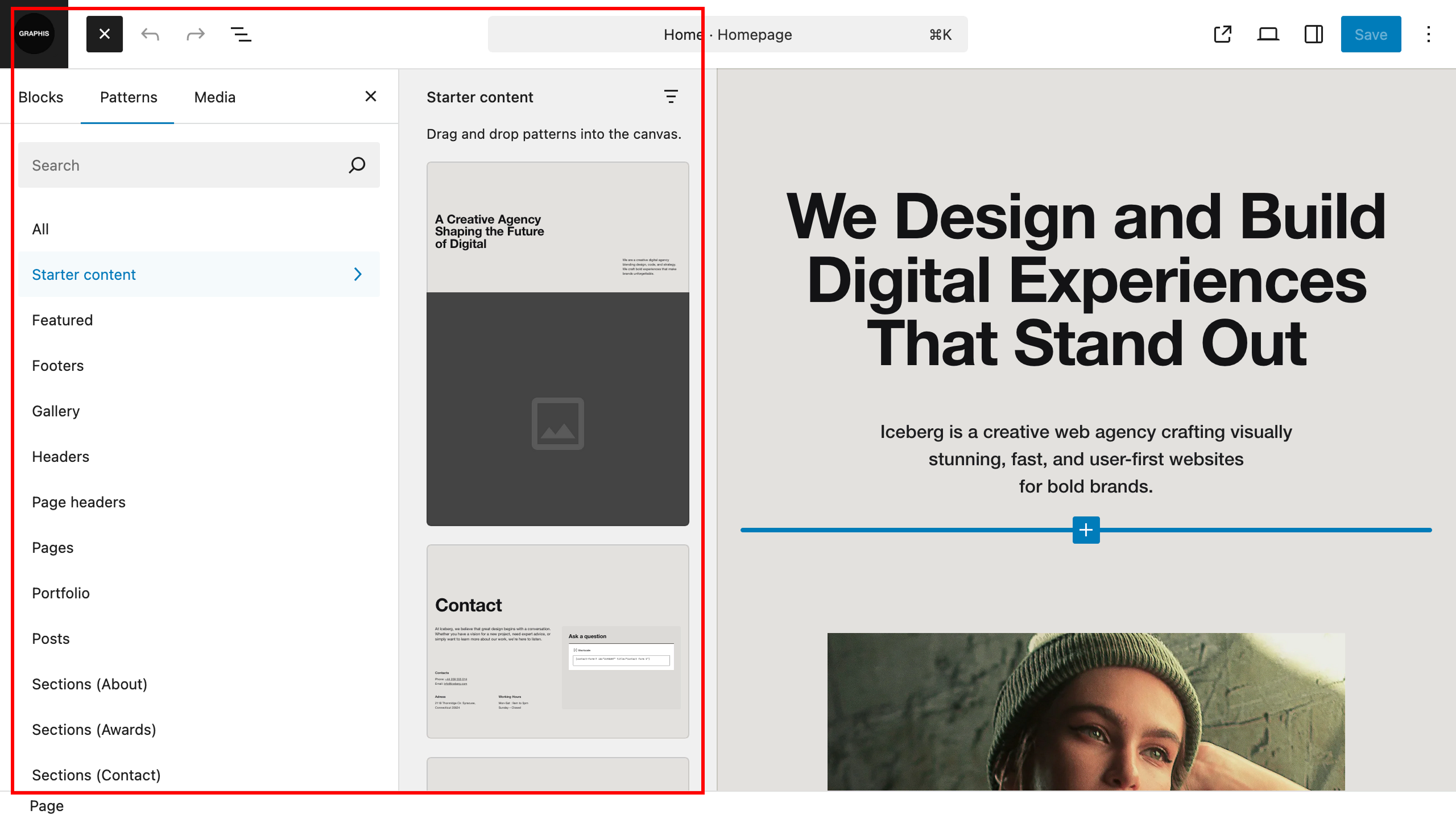
The theme has a large number of patterns that simplify the process of creating new pages and customizing existing ones. You can quickly change the appearance of one of the existing theme pages, or quickly create something of your own.
All you need to do is when creating or editing pages, open the list of patterns (click the plus button in the upper left corner of the site and select the “Patterns” tab) and add the appropriate one to the page, make your changes to it and you’re done!
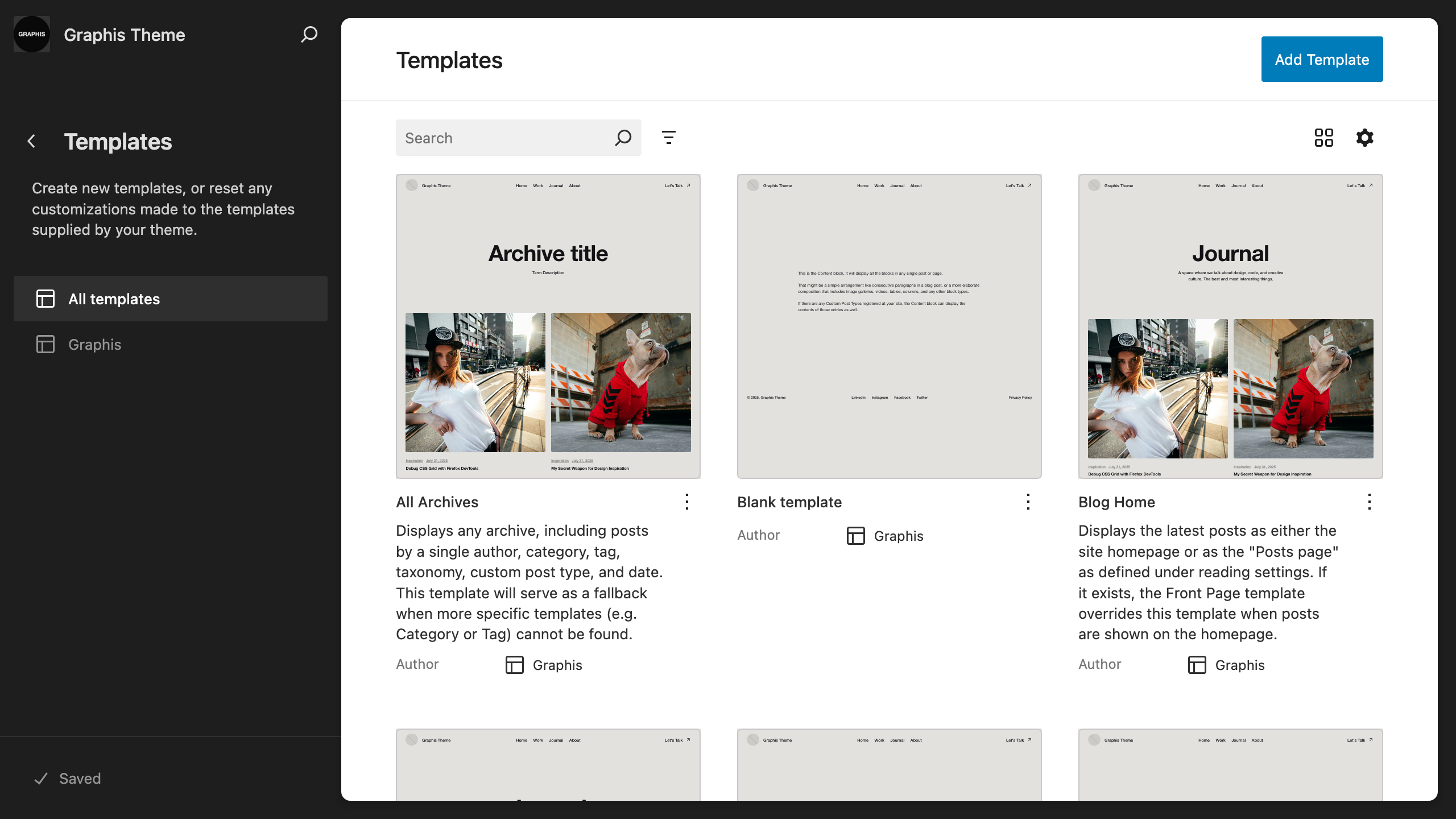
If you want to change any theme template, go to “Dashboard > Appearance > Editor > Templates”, select one and do the same thing.