Navigation Setup
Setting up navigation menus works normally as it does for any WordPress block theme. If you’re new to WordPress, you can learn how to create a menu with the navigation block in this article.
To create your navigation menus follow the steps below:
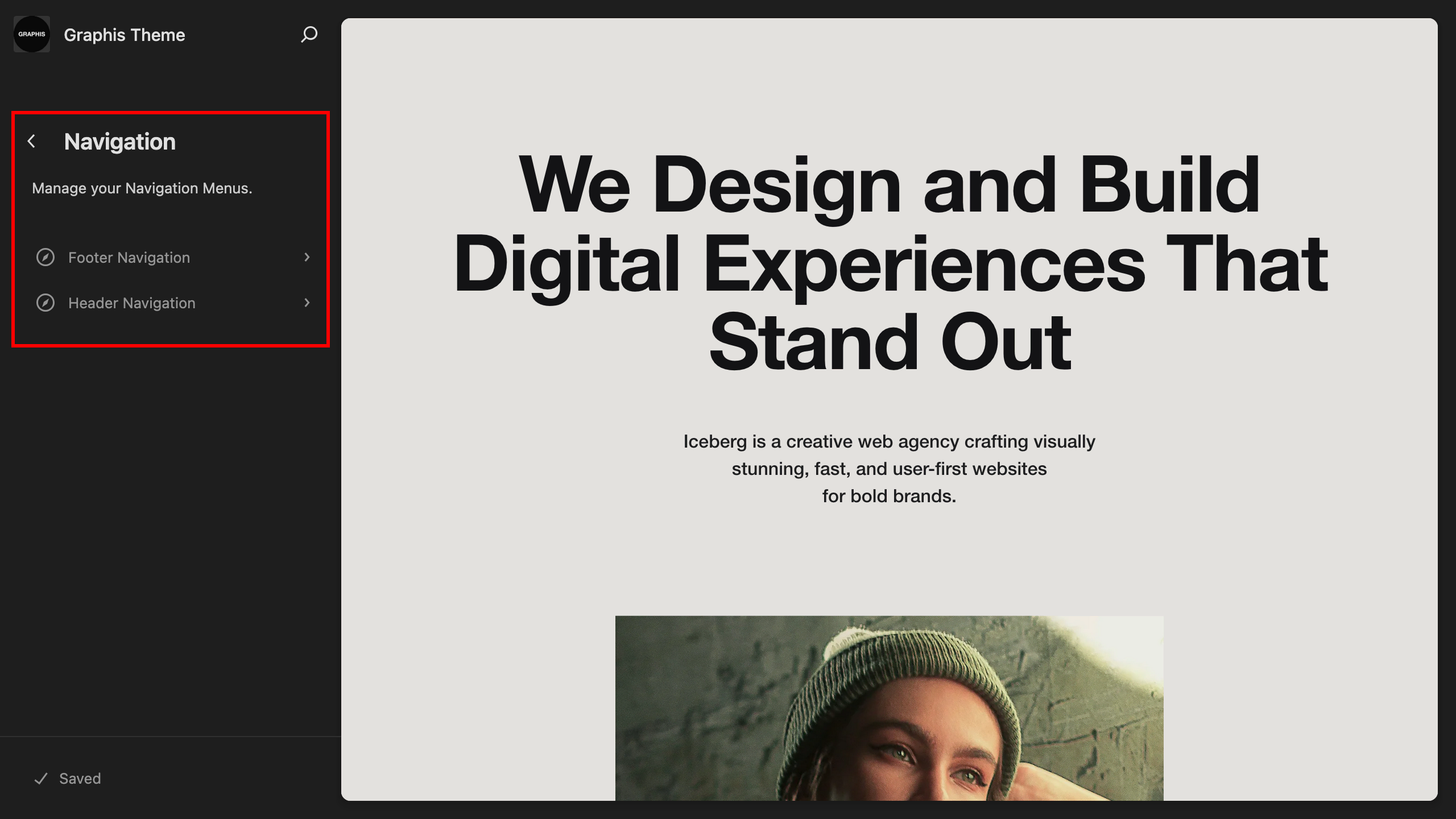
- Go to “Dashboard > Appearance > Editor > Navigation”.
- Edit an existing menu or duplicate an existing navigation menu and edit the duplicate.
- Create navigation menu for the header — a main header menu with links to the main sections of the site.
- Create navigation menu for the footer — a footer menu with links to social networks.