Header Setup
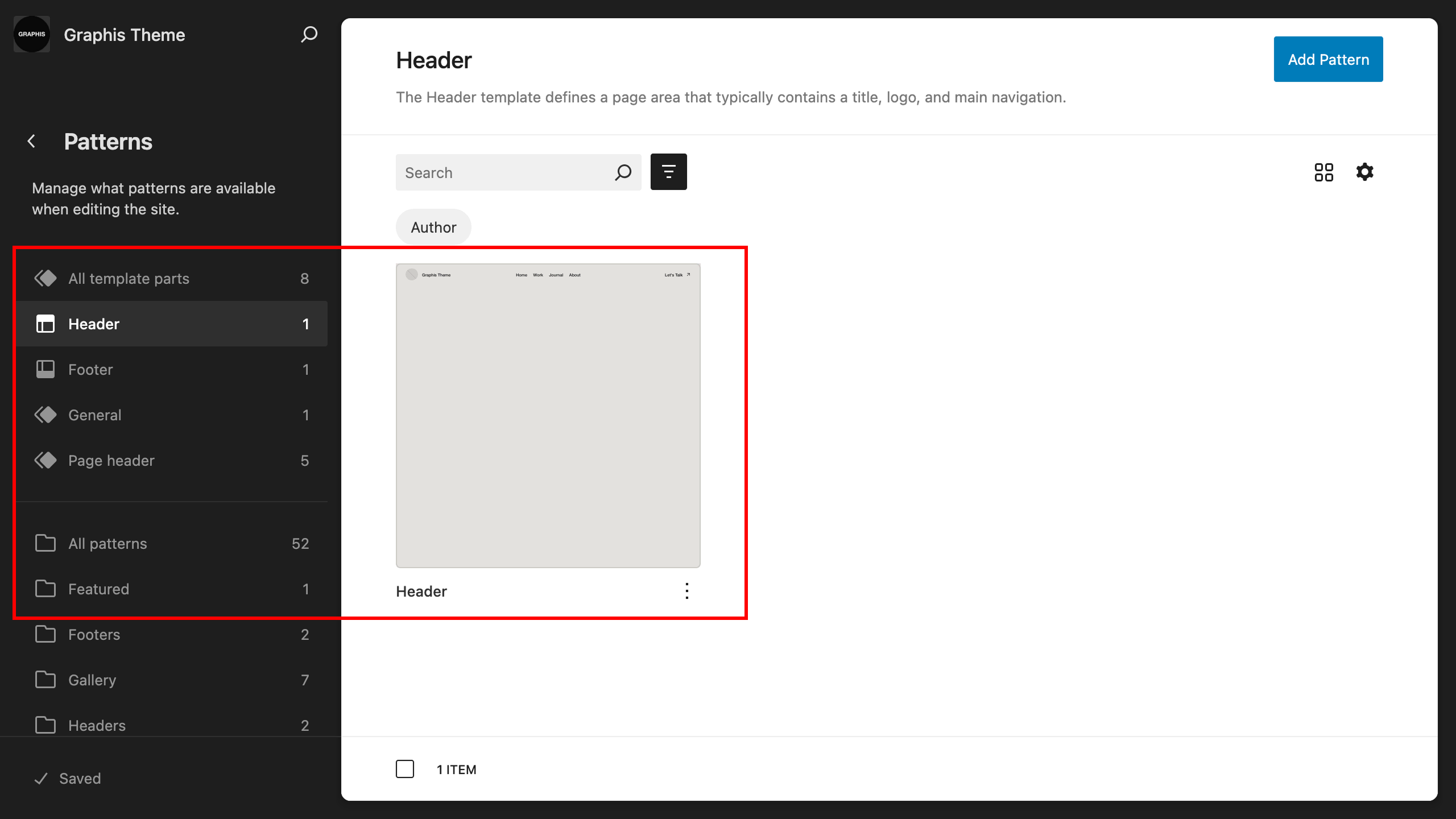
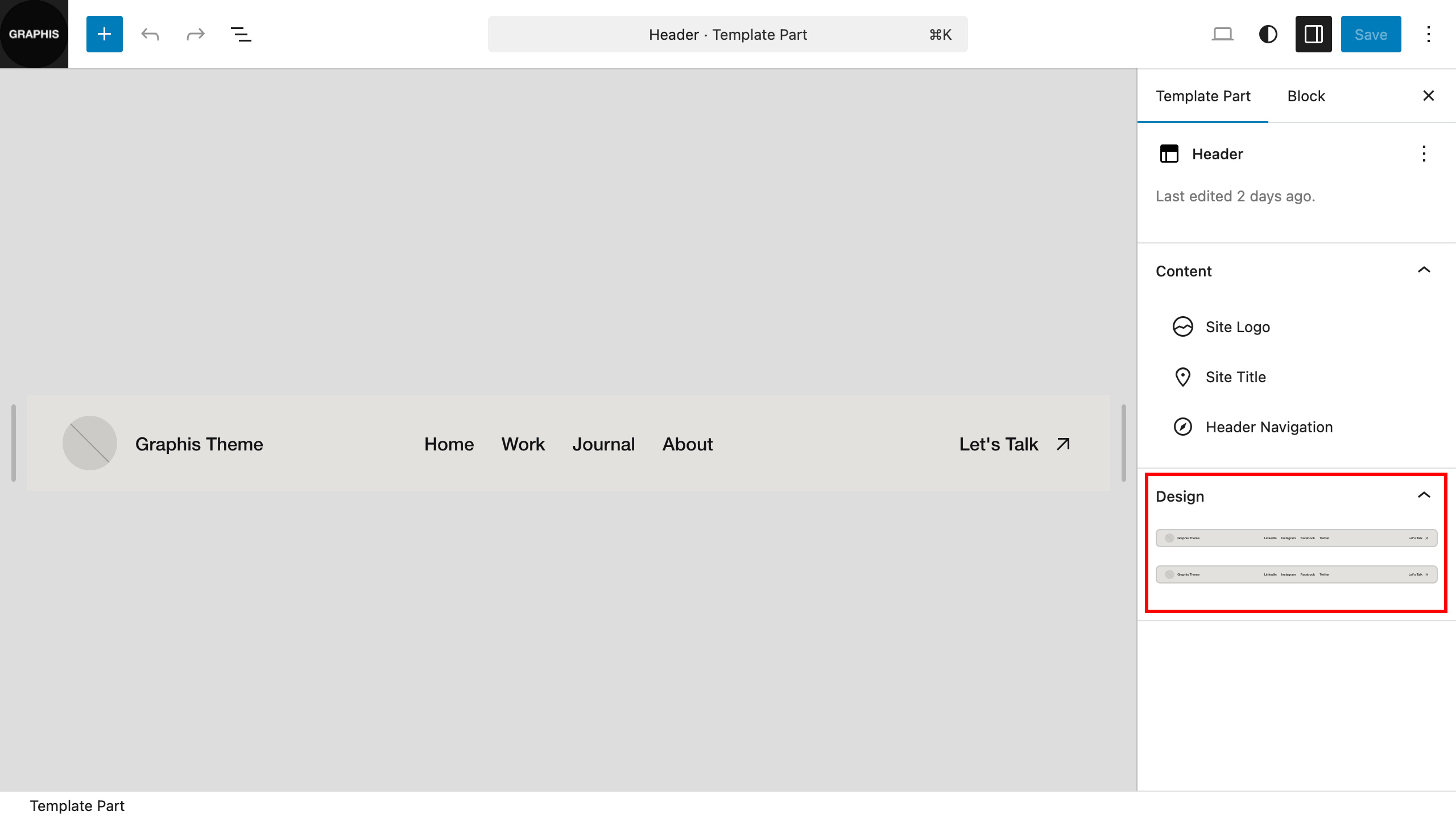
Theme has several different templates for header. To customize the appearance, go to “Dashboard > Appearance > Editor > Templates > Header”, select the header to edit, and on the editor page, in the right column, select a header template for the header.
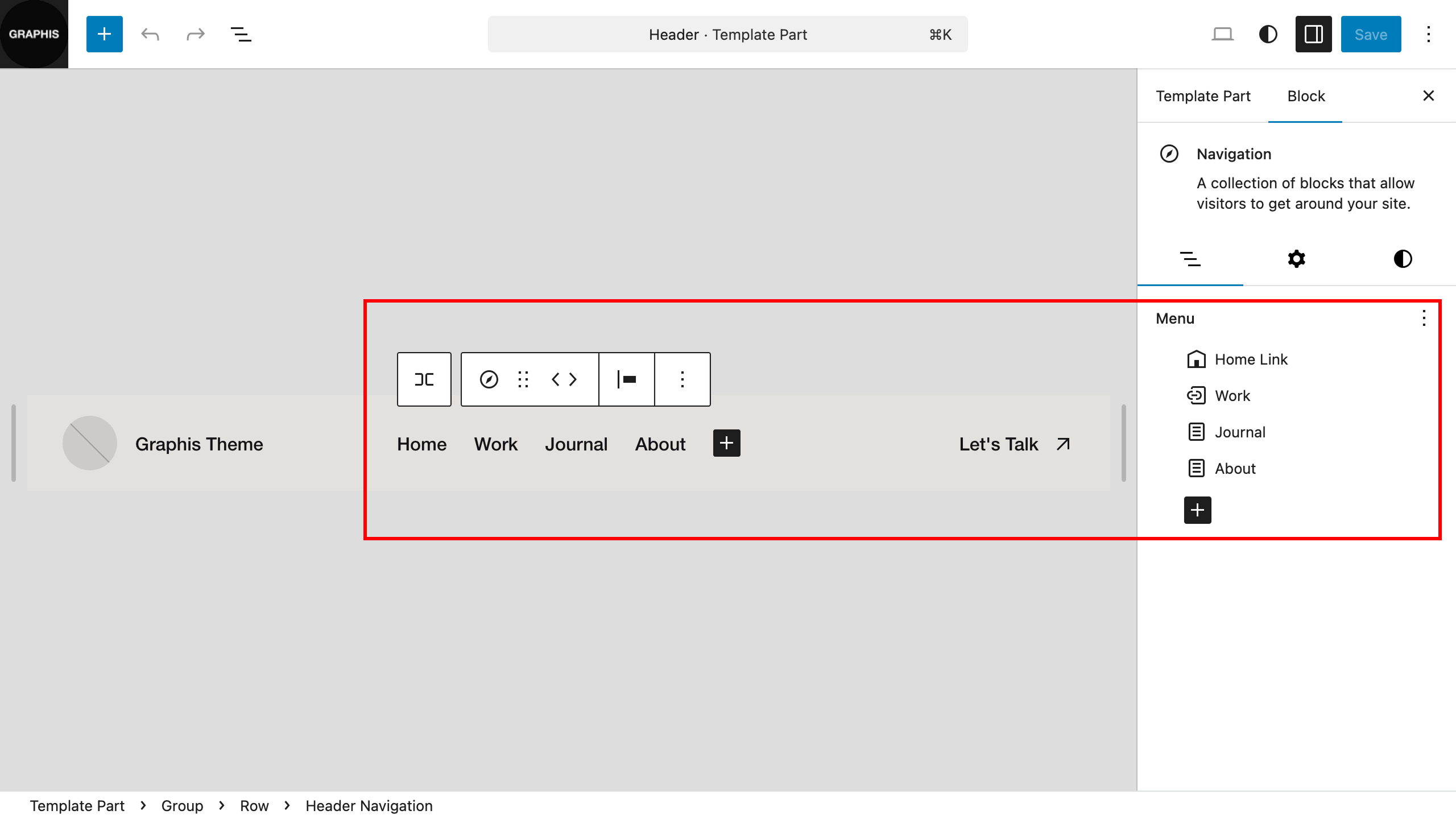
If you have not imported demo content and are customizing the theme manually, on the header editing page, also select the previously created navigation menu.