Importing Demo Content
If this is a new site (or a test site) with no content, it is a good idea to import demo content to get started. If you are installing the theme on a live site or you don’t need demo content, you can skip this step and move on to the next one.
To import one of the demo variants, follow these steps:
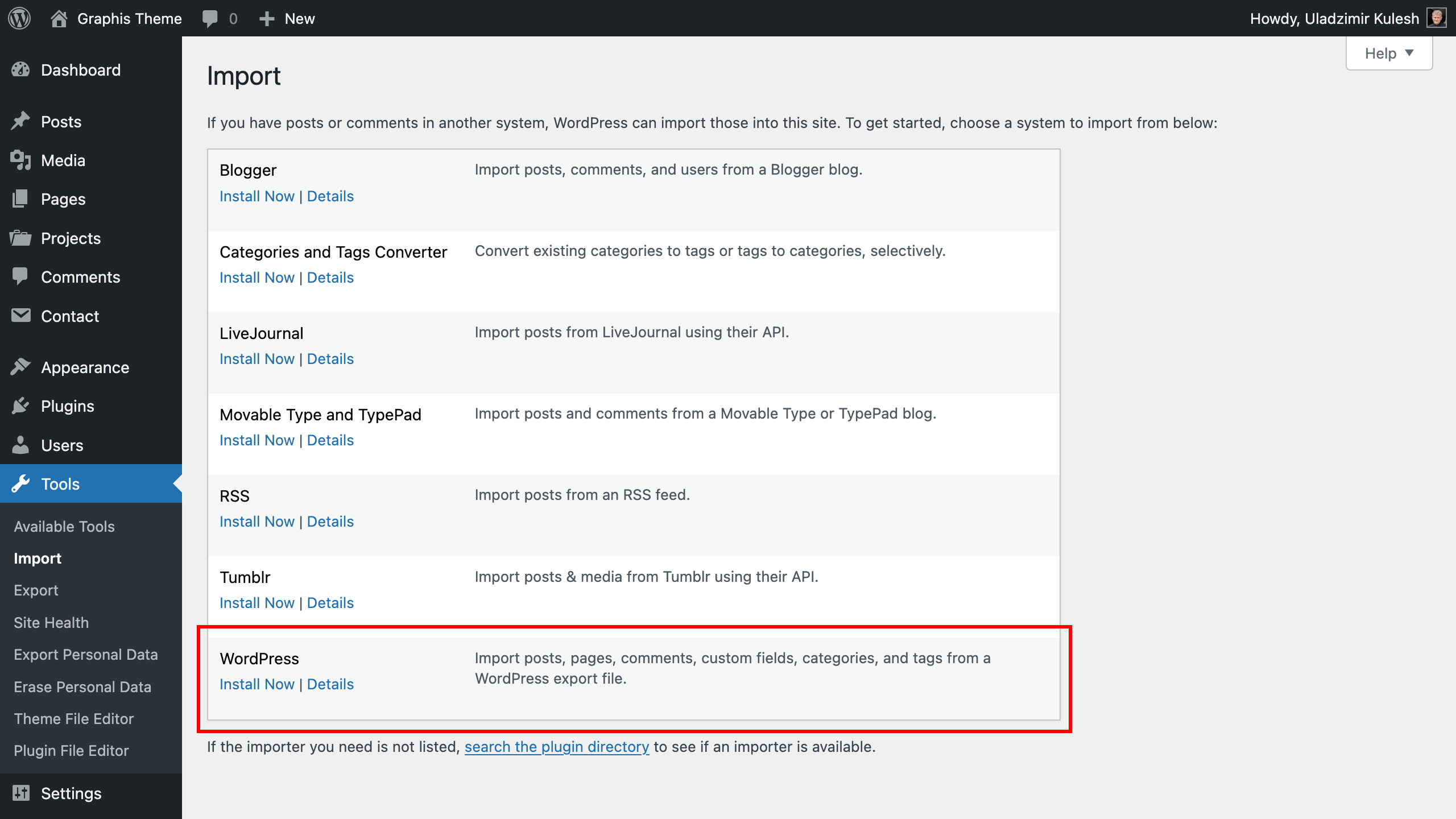
- Log-in to your WordPress Dashboard and open importer: “Tools > Import > WordPress”.
- Install the import plugin if you don’t have it.
- Click “Run Importer”.
- Click “Browse…” and select one of the demo content files located at “graphis_theme > demo-content” folder.
- Click “Upload file and import”.
- Check the box “Download and import file attachments”. This will download images included in the selected live demo.
- Click “Submit”.
Now you just need to wait for the import to complete. This may take a few minutes depending on the speed of your hosting server. Once the installation is complete, all pages, portfolio items and posts will be imported correctly, menus and pages will be setted.