Footer Setup
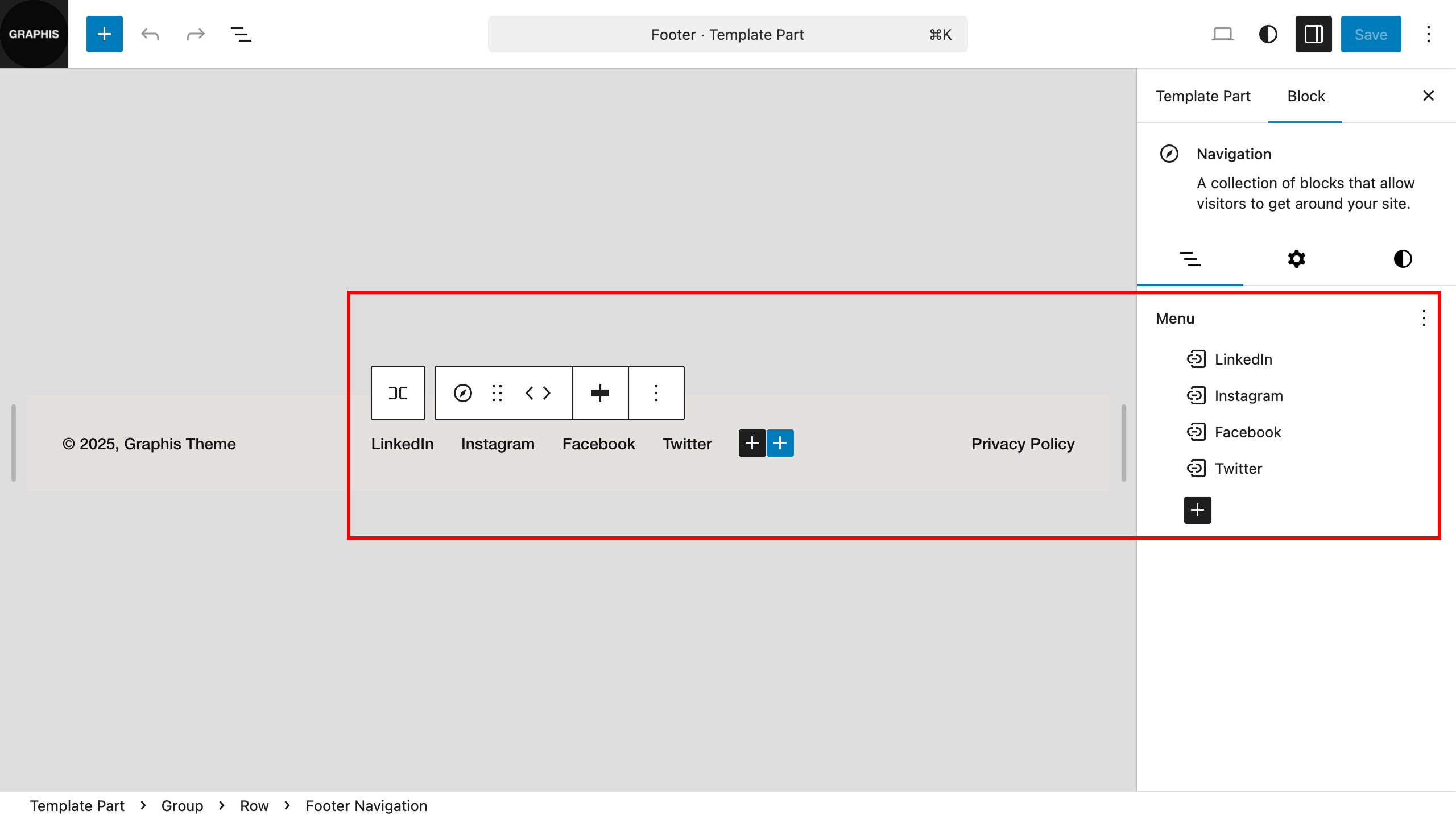
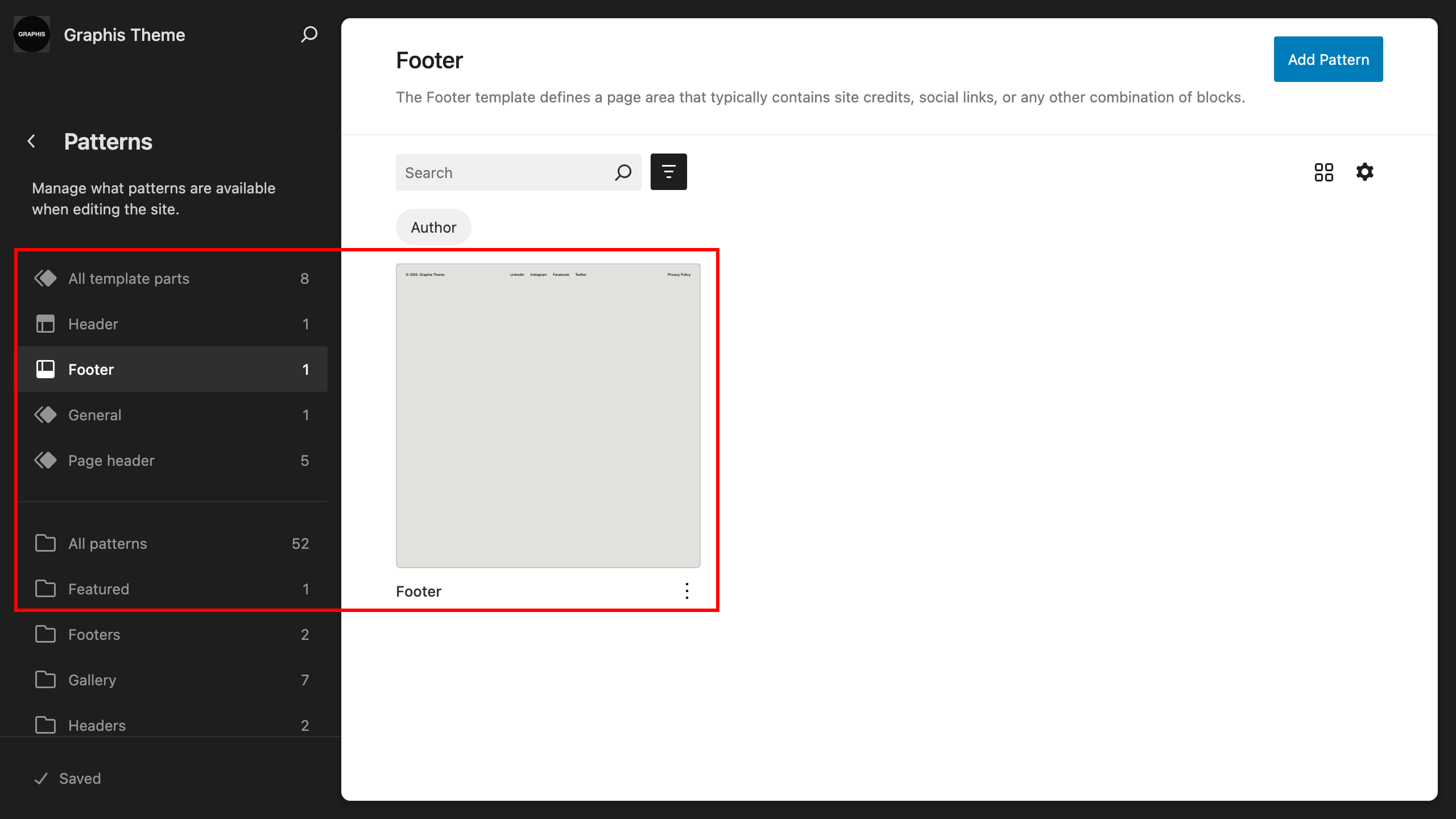
To customize the footer appearance, go to “Dashboard > Appearance > Editor > Templates > Footer”, select the footer to edit.
If you have not imported demo content and are customizing the theme manually, on the footer editing page, also select the previously created navigation menu — a footer menu with links to social networks.